I look up to a lot of people in the music industry. Some of them have huge followings, while others don’t have quite as much. Does that really matter? I don’t think so. If you make good music and don’t have a terrible personality, then I’ll probably look up to you in some way. I haven’t gone to many gatherings to potentially meet some of these amazing people, but hopefully, I can start soon (at least once COVID isn’t a major issue). In the meantime, I’ll tell you about some musicians I look up to.
1) Marshmello
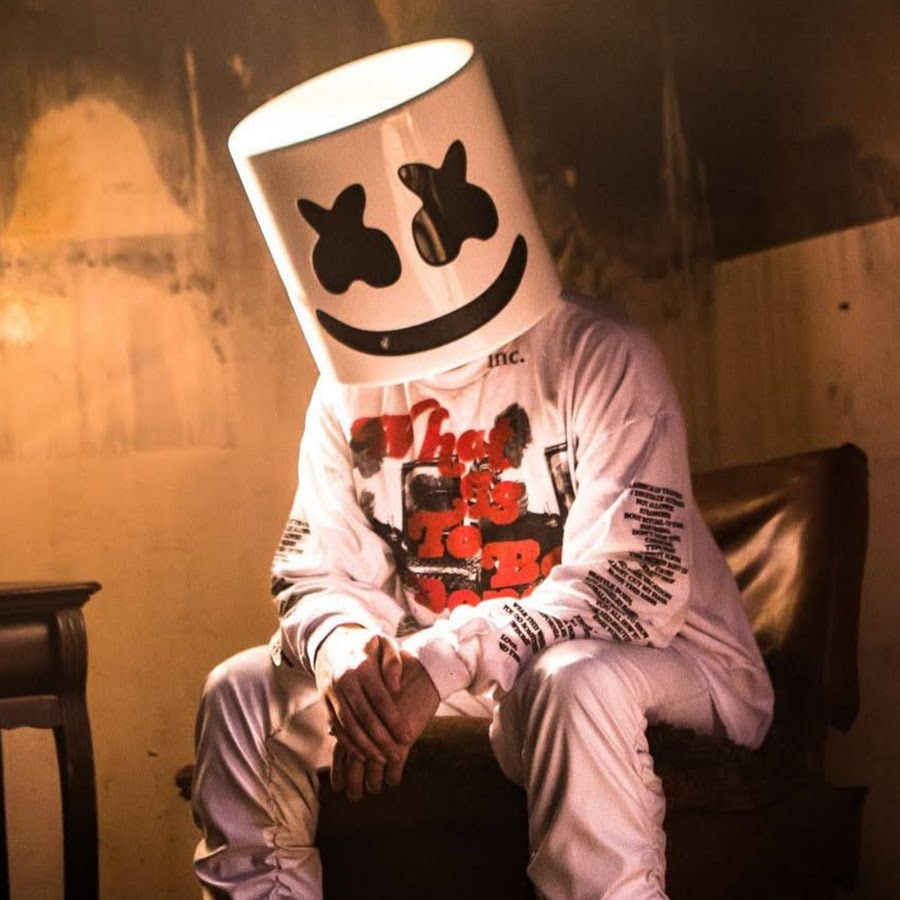
First up on the list is none other than Marshmello. He is one of the main reasons I got into music production in the first place! He used to make a bunch of EDM music, but lately, he’s gone a bit more mainstream. He’s even a skilled guitarist and pianist! I first listened to his song “Alone” back in 2017, and that’s what inspired me to make my own song. I later listened to more of his music and just started fanboying over him for a while. Most of the music I made for the next few months was inspired by Marshmello, and I loved every second of it. But as time went on, I started digging into video game music.
2) Hyper Potions
Next (and last) up on the list is Hyper Potions. All of their songs always give off good vibes, nothing else. They’ve been making remixes and original video game-styled music for years. They’ve even made the theme song for Sonic Mania(the first song of theirs I listened to)! And the little cherry on top is their mascots, two cute little corgi puppies! Hyper Potions were the ones that really gave me the idea to try out more video-game-like sounds in my own music, and I’ve stuck with it ever since!
Well, that’s all I wanted to share with you in this blog. If you liked reading this, then click here to read more of my blogs! And be sure to leave a comment if you have any suggestions as to what I should blog about! Thanks for reading, and have a great rest of your day!
Now I know I’m gonna get some weird looks for this, but the title is true. Cancel Culture has without a doubt intoxicated the music community. I can understand that some people need to be called out on whatever cruel things they’re doing, but the level that we’ve reached has negatively impacted our own minds. People are getting “canceled” every day now, and the result of that includes others being trashed upon for their innocent opinions and thoughts.
Social Media/Influential Figures with Cancel Culture
The biggest example of this is on Twitter. Oh boy, Twitter and cancel culture go together too well. A day can not go by on Twitter without stupid arguments being thrown around. Someone can say, “I think that music production freelancers are super underrated! I’ve commissioned a few and they’ve all exceeded my expectations!,” then someone else will say “No, they suck. If they’re so talented, then why are they just freelancers? They should get a real job,” then the first person will bicker about the last comment, and I think you can see how everything spirals from there. I love getting a good laugh out of these kinds of conversations. They remind me of how sensitive and petty many people have become.
I can name a few bigger influential figures in the music community outside of Twitter (I’m looking at you Cardi B, Tyler the Creator, and Nicki Minaj) whose actions have only fueled the fire by pretty much telling “haters” to shove off. Now that isn’t unusual, but if multiple government officials/organizations state that something a big figure did wasn’t right, then you can’t help but be a little suspicious.
I don’t wanna go on and on for too long, so I’ll keep this last bit short. It’s not just the music community on Twitter that needs to change, but everyone everywhere. The amount of toxicity from cancel culture I normally see within a day is staggering. The sooner we can fix this, the better off we’ll be.
In this tutorial, I’ll be telling you how I easily make video game battle music. Whether it’s for an actual game or just for fun, this guide will help you stay on track for the production process! For this tutorial, I’ll be using Fl Studio 20: Producer Edition, which costs around $200 in the U.S. There is a free demo version that can be downloaded here if that’s what you’re looking for. I’ll stick to using just stock plugins and free sample packs, but if you want to use more expensive plugins like Serum or Sylength1, then by all means do so. Both are amazing and will not fail to impress you, but I’m going into this with the mindset of spending as little money as possible. For more detailed explanations of how everything in Fl Studio, here’s the online Fl Studio 20 Reference Manual. The song I will remake for this tutorial is Megalovania by Toby Fox. Before we start, be sure to set your BPM (beats per minute) to 104. This can be set at the top of the screen by the play/pause button. Alright, let’s begin!
Step 1: Piano Rolls
To start off, we’re going to tackle the Piano Roll parts of our track, so let me explain how it works in Fl Studio. Go ahead and create a pattern and name it Melody 1.
Now from here, you can do one of two things: 1) Record yourself playing the notes, or 2) manually add the notes to the Piano Roll. I will be doing option two in this case. So choose a sound from a plugin you like, then right-click on the name of the sound in the pattern menu and select “Piano Roll”. Now you can add the notes of the melody to the piano roll by clicking anywhere under the bars and resize and replace them as needed. Once you have the melody done, try adding some more sounds! You’ll never know what sounds good until you try it out! You can copy and paste your notes from the first sound into the new one to see how they sound blended together. Once your done, go ahead and add it to your timeline. Here’s what I have for the first melody:
The melody that all gamers fear:
Once you have your first melody down, you can use the same process for your other melodies, bass lines, and chords. And don’t be afraid to get crazy at times! Here are a few more examples of what you can do when you get crazy:
A much more wild melody, fitting for the battle!Holy heck, this is epic!
Step 2: Drum Patterns
Once the rest of your Piano Rolls are all done, we can go ahead and do our drums. With these, it’s basically up to you as to what you what. However, video game battle music typically has high energy, so I’d recommend having some faster drum beats for most of the song. If the pattern will play in the main melody, then have that faster drum beat, but if it’s for a quick break in the song, then maybe only include one or two parts of the drum. For Megalovania, most of the track will have a consistent pattern, so I’ll show you what I did:
Megalovania drum beat!
Step 3: Organizing your music
At this point, we should have all of the main parts of our song together. Now we’re just gonna organize our patterns so our video game battle music actually sounds like music! You can do this step in between the first two steps, but I don’t do it that often.
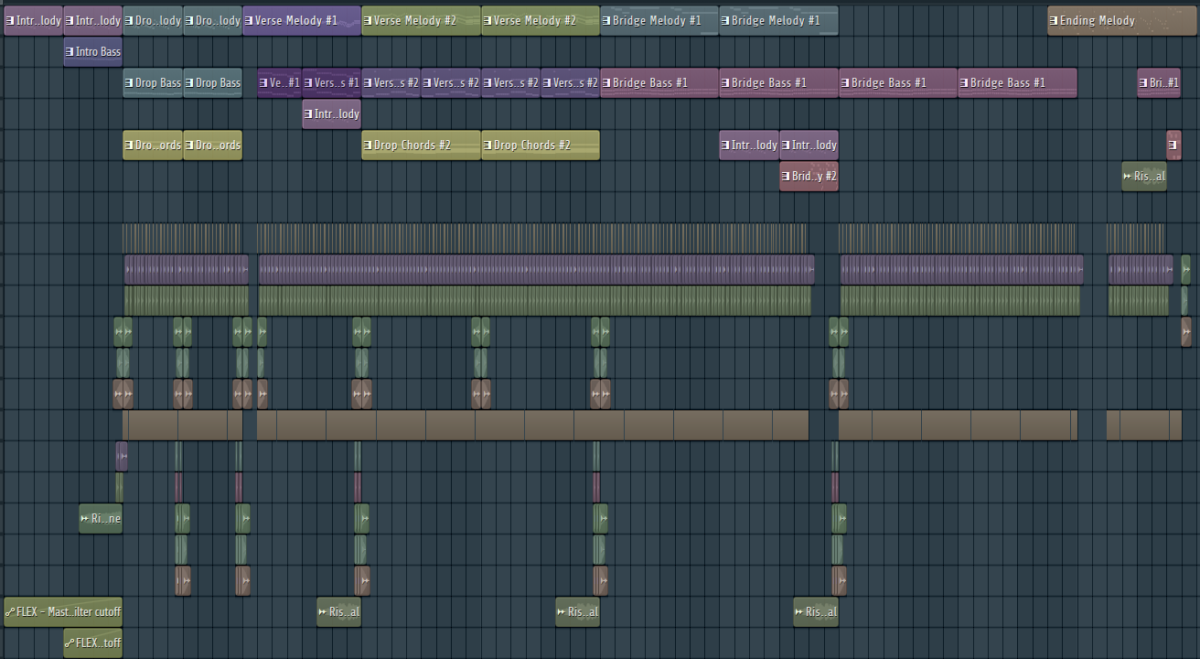
Again, this is entirely up to you as to how you want to have everything laid out, but I normally stick to this structure: initial build-up, the first melody will come in, the second melody comes in a bit quieter, then after a quick build-up either a third melody or a drum pattern will blare in, and lastly a break before looping back to the first melody. Megalovania mostly follows this structure, which is one of the reasons I remade it!
Once you have your song all organized, choose a couple of sound effects to help your music sound a bit more full. This is probably going to be the toughest part of the project, so take your time and see (or hear in this case) what you like!
Step 4: Mixing/Effects
One of the last steps I do for a project is to add any effects to your individual sounds and adjust the volumes of all of the patterns by using the mixer. You can align your sounds into the mixer by choosing whatever number you want in the channel rack, then selecting the mixer option in the menu bar towards the top right of the screen.
Behold: The mixer button!
Once again, you’ll have to see what your sounds will need. Some might need some major effects, but others might only need one thing! I’d recommend at least using Fruity Parametric EQ 2 to cut out any blank space on most sounds, the cut-off in Fruity Filter for your build-ups, and Fruity Reeverb 2 for anything you want to add some echo to.
Now just mess around with the volumes of all the sounds until everything sounds just right! Do you want your music to be more bass-heavy, or have the melodies really stand out? Keep fiddling around until you’ve got everything set the way you want!
Step 5: Finalizing your battle music
It’s all smoother sailing from here! Once you’re done with your mixing and effects, you’re just about done! Go ahead and save your project file (Control/Command + S), then go to “File”, then “Export”.
From here, you can either export your music as an MP3 or WAV file. MP3 is a smaller, slightly lower quality file that is perfect for easily sending to others, while WAV is a higher-quality file that is your go-to for uploading to social media or streaming services. No matter what you choose, you won’t want to change any of the default settings, as Fl Studio is pretty good with that stuff. Once you’ve chosen your file type, click “Export” and your music will be ready for whatever you need!
You made video game battle music!
Now that you’re all done with your project, I’d look back at how you did and see what you could’ve improved on. Maybe you could’ve organized your song a bit better, or used a different combination of sounds for a bassline. There will always be something to improve on, so don’t be afraid to look back at your past work!
That’s going to wrap up everything in this tutorial! I hope you learned something useful from this! If you’re interested in more of what I post, click here for more info! And be sure to leave a comment if you have a suggestion for a blog topic, or if you just liked reading this! Thanks for reading, and I’ll catch you later!
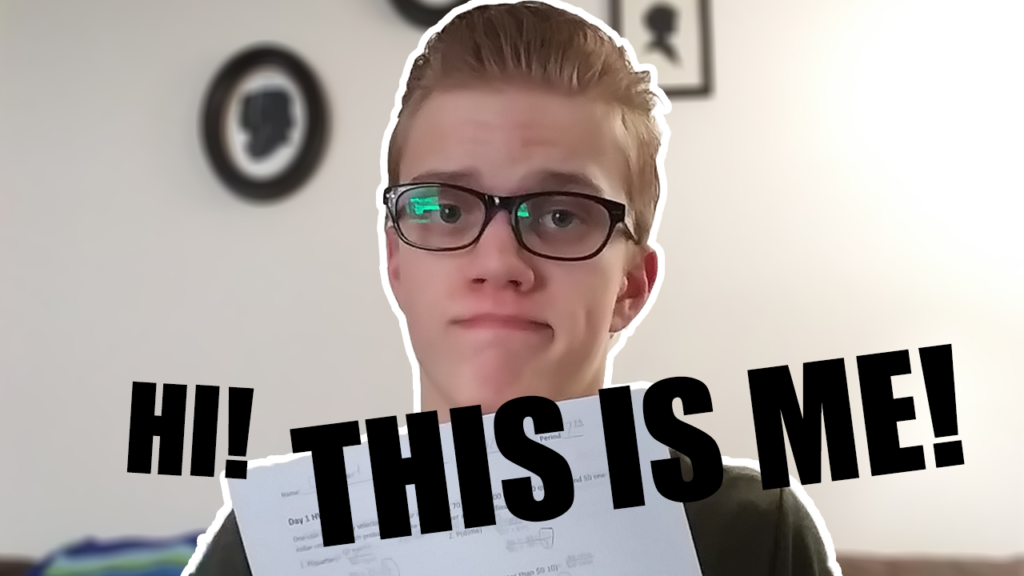
My attempt of Photoshopping a decent picture of me!
Hello there!
Hey, what’s up? Welcome to my first ever music production blog, and I hope you’re having a nice day (or night, I don’t know if you’re in a different timezone)! My name is CJ, I do lots of music production stuff, and I want you to know a little bit more about me and what I’ll post!
About Me:
I’ve been producing music for about 4 years now. I’ve practiced making pop, video game music, and the various kinds of EDM. Right now I’m currently learning more about chill hip-hop, which is a quieter genre of hip-hop that’s supposed to make you feel relaxed. It’s simple yet effective, and that’s how I’d like to keep these blog posts.
I’m a huge video game nerd that will cry over the soundtrack of any game. My current favorite game soundtrack is Space Junk Galaxy, which is from Super Mario Galaxy. There is so much I love about it! For instance, I absolutely love the reverb effect on the piano.
Outside of the expansive world of gaming, I love making videos, which are normally about music or general discussion topics. And no, I don’t post to YouTube as of now, but I might later on. Besides that, I love the whole process of filming myself, editing the footage, and watching the final product to see how I can improve. Thankfully I recently got access to a bunch of Adobe products (shout out to my school), so I’ve been trying to see how good they really are. Current verdict: pretty solid, but I hate the subscription service. Thank goodness that there are smaller versions of Photoshop and Premiere that only have a one-time fee.
Music Production posts:
Here on these posts, I’ll be going over many things involving music production. These will vary from tutorials to my own opinions on certain topics. I’m open to any suggestions, so if there is anything you’d like me to go over, feel free to let me know in the comments! It means I can interact more with you, which means a lot to me!
That’s all for now!
Alright, that just about wraps up everything I wanted to go over in this post. I hope I caught enough of your interest! I had fun writing this out, so I hope it pays out in the end! Thanks for reading if you made it this far, and I hope you have a nice rest of your day (or night; I know, different timezones and all)!